Today: beacons on every wall and a survey team.
- Bluetooth beacons fixed around the building, each with a battery to replace
- A vendor visit to survey and calibrate before anyone can use it
- Often a separate app to install and an account to create
Two volunteers walk the floor with their phones. Then a blind or low-vision visitor's phone works out where it is, within centimetres on benchmark video, and speaks one step at a time. No beacons, nothing to install.
FreeRuns in the phone's browserUsed with a cane or guide dog
GPS stops at the front door. Indoor guidance today needs beacons on the walls and a paid survey, so almost no library, clinic or college has it.
Global estimates for 2020: Bourne et al., The Lancet Global Health, 2021.
All of the vision runs in OpenCV 5 on one AWS Graviton4 instance. The phones just send camera frames and read out the replies.
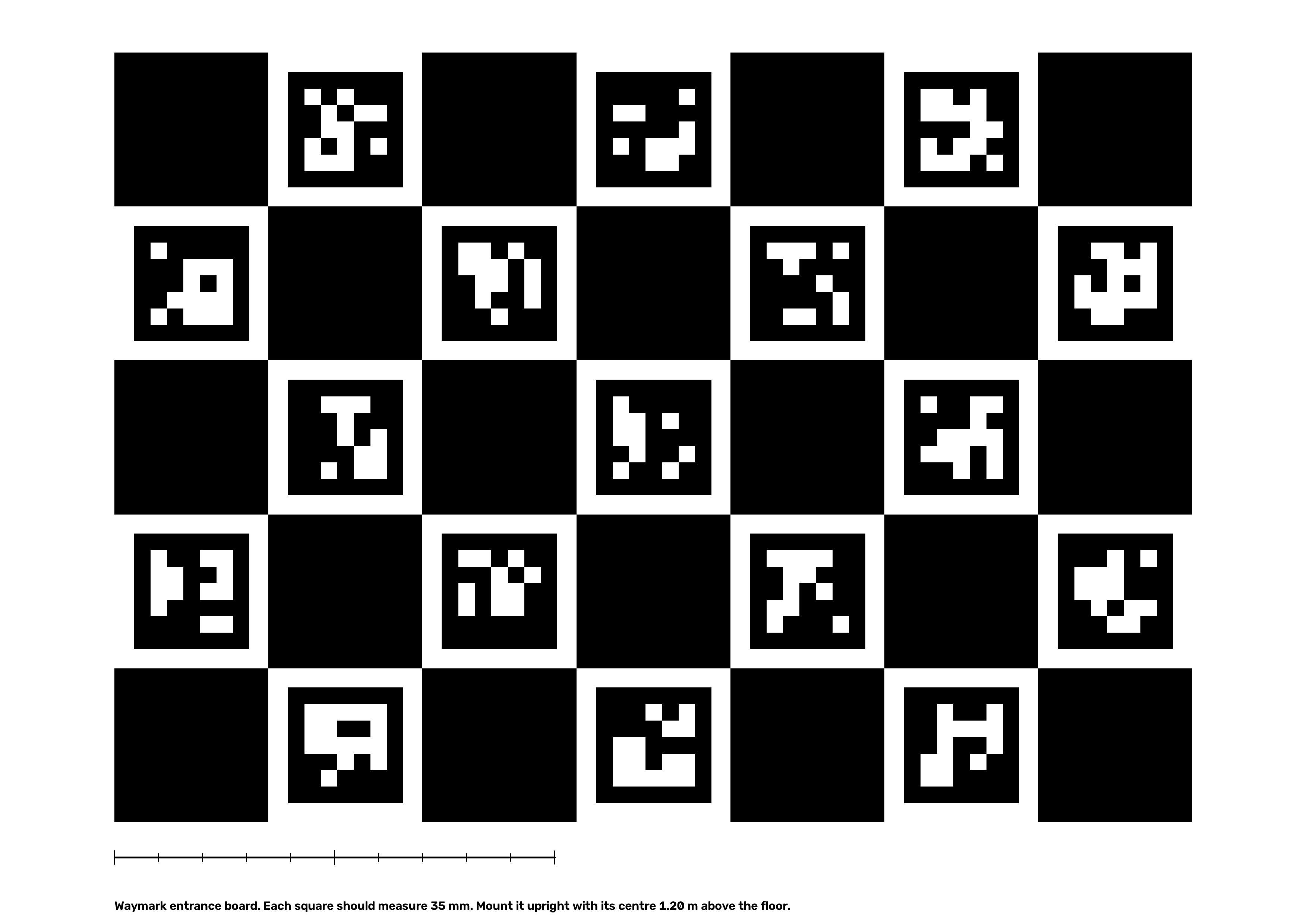
Both volunteers start at the board, so their walks share one origin and real metric scale from the first frame. The server refines each walk with bundle adjustment, fuses the 3D points they both saw, and draws a floor plan with a route graph.
About once a second the visitor's phone sends one camera frame and its compass heading. The server finds a shortlist of nearby keyframes, matches features to the map's 3D points, and solves for position and heading.
Every frame, the agent looks at how confident the fix is and decides what to say. Each decision is logged with what it saw and why it acted, and the helper console shows that log live.
These controls run the same rules as the guidance agent on the server. Move the confidence down, put stairs ahead, or walk off the route.
guidingstraightThat is the median over a replayed visit through the live server (Microsoft 7-Scenes, a small room). A larger office room reached 16 cm. Every number here comes from a script in the repo. Mapping and relocalisation use the Microsoft 7-Scenes "heads" scene. Timing is the median of 15 runs on Graviton4 (c8g.xlarge).
Two volunteers’ maps line up to within 1.2 cm of each other after merging.
Worst keyframe 4.2 cm. Reprojection error drops from 28.4 px to 2.3 px. Only the first and last 10 frames of each walk get a reference pose, the same way the board anchors a real walk.
Median keyframe position error at each stage
Bars are scaled to the worst walker at each stage.
A phone finds where it is from one photo, with no hint, to within 1.77 cm.
HLoc publishes 1.0 cm on this scene and is still more accurate. Waymark gets close without a retrieval network.
from photo to spoken direction, on one AWS Graviton4 server.
ALIKED features take about 308 ms. Everything else, matching and PnP included, takes about 45 ms.
The map stays this accurate even when 15% of matches are wrong.
Blind and low-vision participants are walking real routes with a sighted spotter beside them and their own cane or dog. Arrival, checkpoint error and every agent decision are still being measured, so there are no numbers here yet. The numbers above come from replayed benchmark video.
Checking the latest evaluation run…
Phones do no vision work. They send a JPEG about once a second and speak the reply, so any recent phone browser can take part.
Rear camera, compass, speech and vibration. Volunteers use the mapping page, visitors the guidance page.
HTTPS for the camera, then forwards to the worker with an origin secret.
Decision traces
Maps and walk frames
Logs, dashboard, budget alarm
The stack is defined in AWS CDK and managed through SSM, with no SSH access. Full details are in the technical report.
Waymark says so before every visit. The safety rules live in server code, and a visitor can't talk the agent out of them.
Through the screen reader they already use every day: VoiceOver on iPhone or TalkBack on Android. Every control is a labelled button, and the first question asks whether you use a screen reader, so directions are not spoken twice. To open Waymark, the visitor taps a link the venue sends before the visit, or holds the phone to an NFC tag beside the entrance board. Either way, the link opens that building directly (go.html?building=…), with nothing to find or aim at. To choose where to go, they swipe through the list of places, or dictate with the keyboard microphone: "take me to the lift". While walking, Repeat, Where am I? and Call a helper are large buttons.
No. Waymark knows where the walls, doors and stairs are. It knows nothing about people, bags on the floor or a door left open. The visitor keeps their cane or dog, and Waymark tells them which way to go.
When frames are clear but stop matching the map, the agent flags that area for re-mapping and the helper console shows it. A volunteer then re-walks that corridor. The map does not update itself.
Any recent iPhone or Android phone with a rear camera and a current browser. All the vision runs on the server, so the phone only sends a photo about once a second. It works with VoiceOver and TalkBack, and without them.
It's free for visitors and buildings. One c8g.xlarge instance costs about $3.83 a day and answers each visitor frame in about a third of a second. The smaller c8g.large costs half that at 0.6 seconds a frame.
Volunteer walk frames are kept for 30 days so a walk can be replayed, then deleted. Visitor frames are not stored at all. There are no accounts.
On the 7-Scenes benchmark, a merged map is within 1.2 cm at the median and visitors are located to 1.77 cm. Real buildings with glass, blank walls or poor light are harder, and the agent says so when they are. Field test numbers come next.
Not yet. Each map covers one floor, and a route ends at a lift or staircase.
The sample building has two volunteer walks already merged. Open it on a laptop, then open the guidance app on a phone.
Map a space yourself with the mapping appPrint the entrance board